Create a haau3 account and onboard a patient profile so you can run the share workflow end to end.
To test the haau3 caregiver app’s share workflow end to end, you first create a haau3
account and onboard at least one patient profile, the same way a caregiver or patient would.
This page walks through that one-time setup so you arrive at an active patient context, which
is what the Generate a SMART Health Link
flow operates on.Each signed-in user represents the person managing care. A single account can manage several
patient profiles (the user themselves, a loved one, or both), and most downstream workflows,
including sharing and SMART Health Link generation, operate within the currently selected
patient context.
1
Create a haau3 account
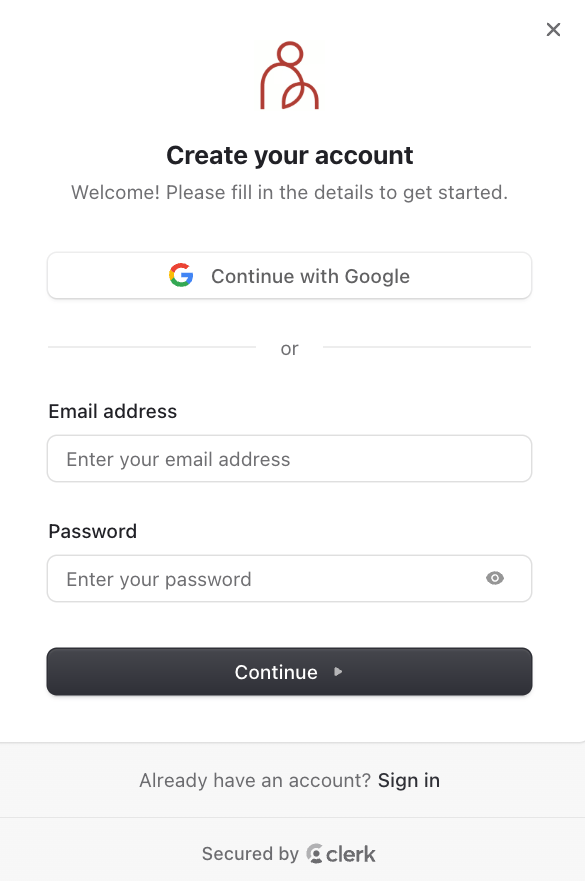
Go to haau3.com and choose Sign up to open the account creation
modal.
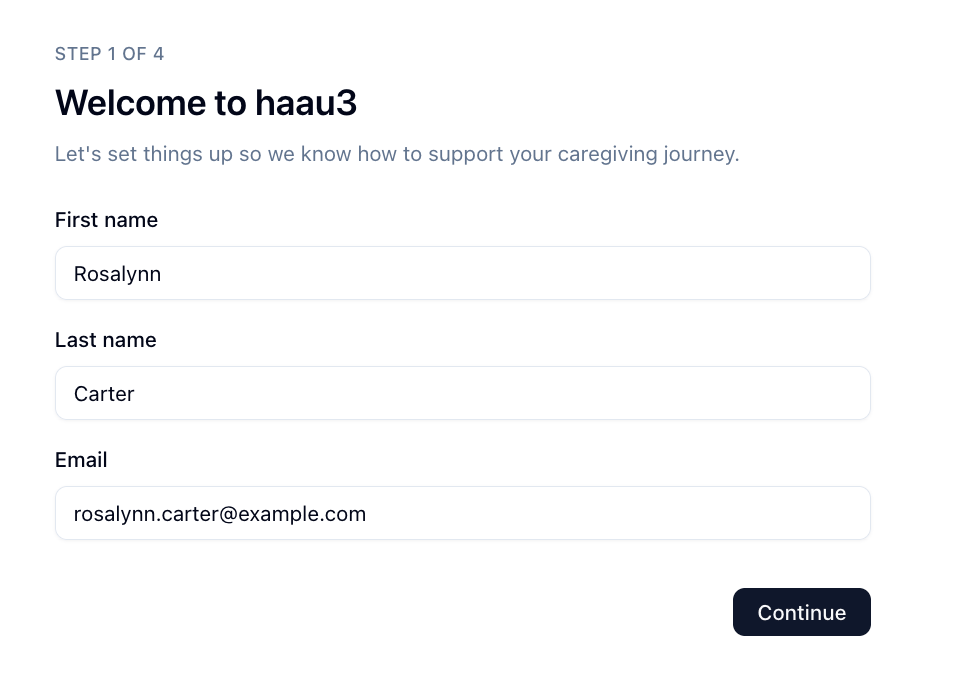
After creating your account, you are redirected to onboarding, where haau3 collects a
small amount of information about the signed-in user.
If you signed in with Google, fields such as name and email may be pre-populated from the OAuth provider.
This establishes the signed-in user who will manage one or more patient profiles.
2
Choose who you are managing care for
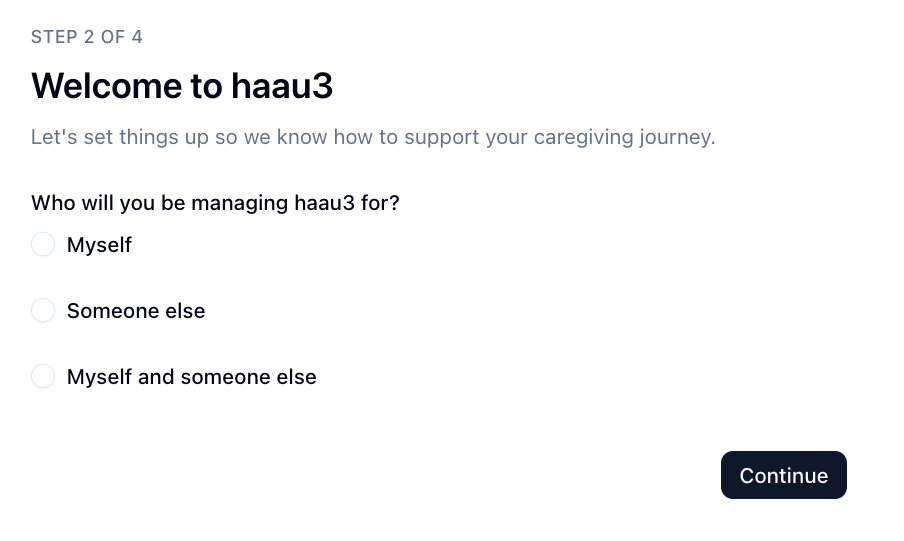
The next step asks who you will be managing haau3 for. This determines which patient
profiles are created during setup.
Myself: manage your own care.
Someone else: manage care for a loved one such as a parent, spouse, or child.
Myself and someone else: manage both your own care and another person’s.
Your selection determines which patient profiles are created and which patient context is
available afterward.
3
Enter demographic information for the first patient
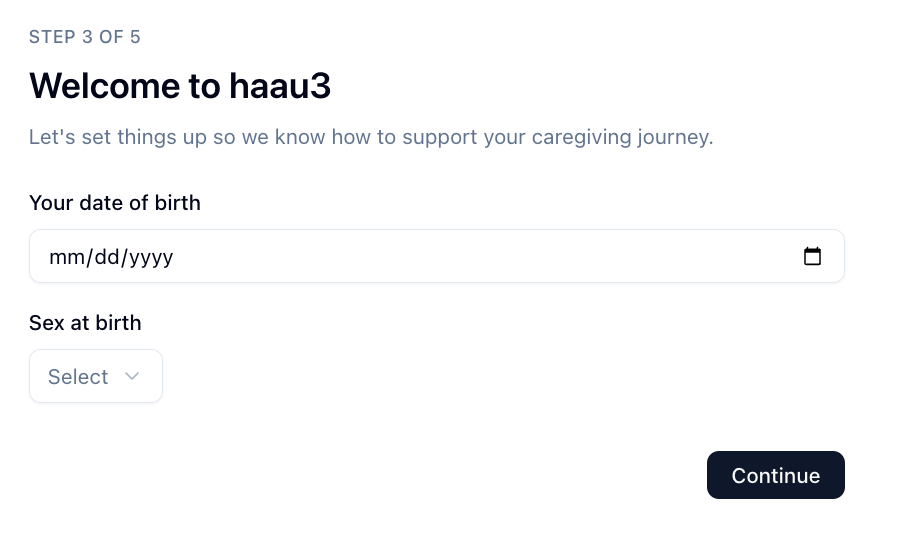
haau3 then begins creating the first patient profile, collecting the basic demographic
information it needs (date of birth and sex at birth).
In this example the user selected “Myself and someone else,” so onboarding first collects demographics for the signed-in user before creating additional profiles.
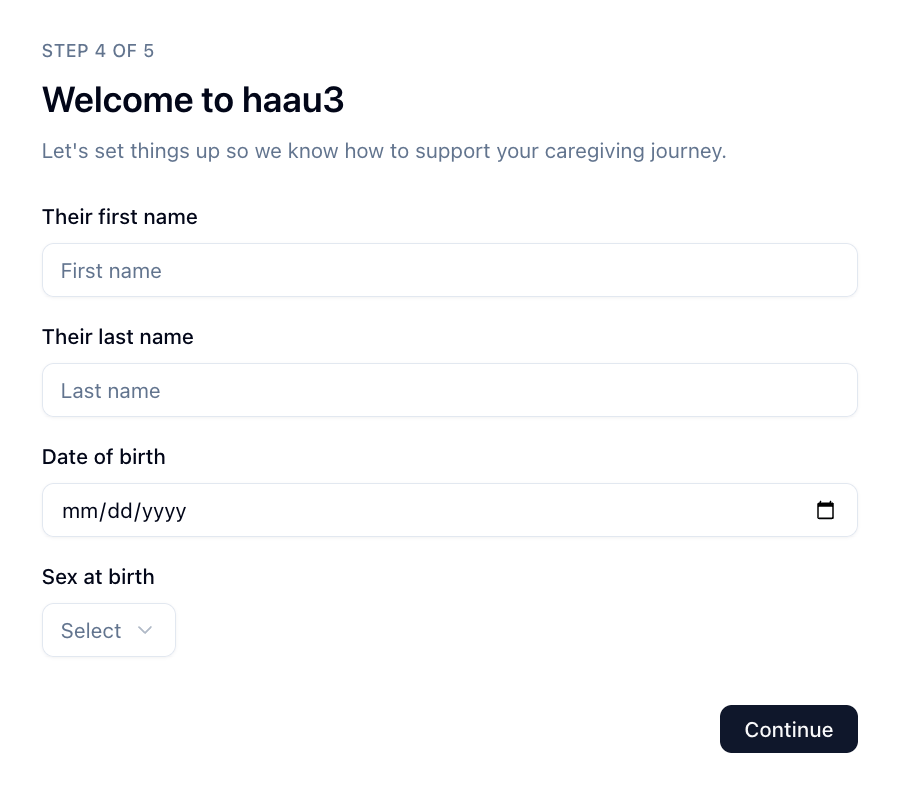
4
Enter demographic information for the person you are caring for
If you selected Someone else or Myself and someone else, haau3 guides you through
creating a patient profile for the person you are caring for.
This information creates the patient profile for the person whose care you will manage.
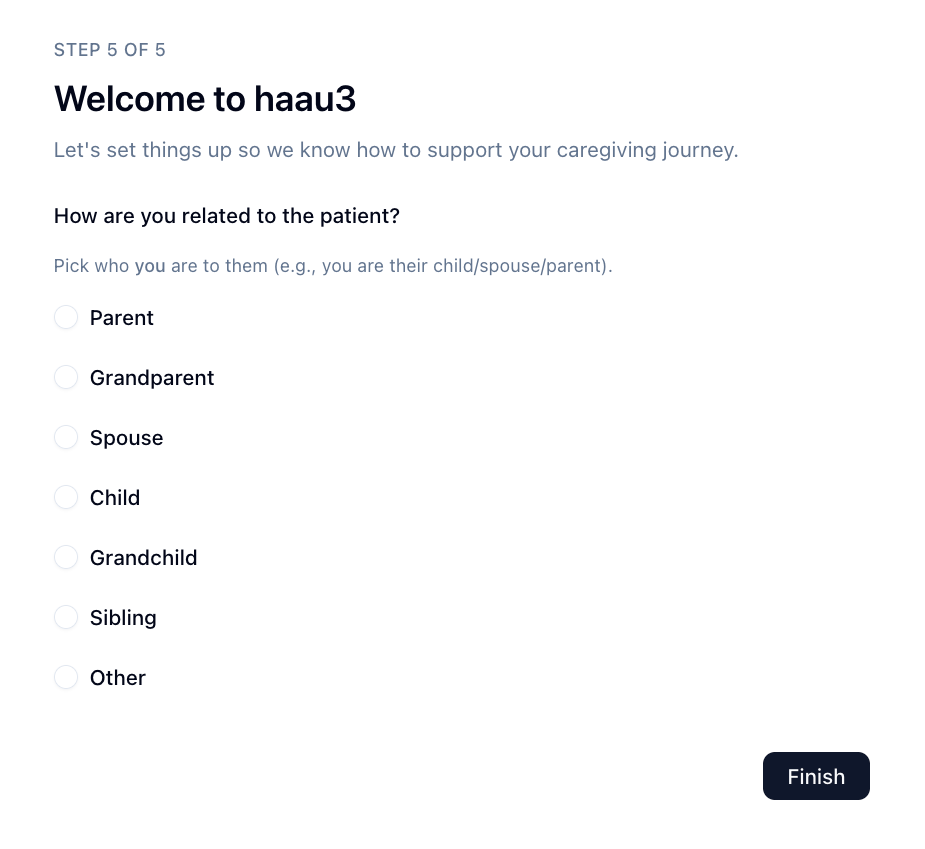
5
Select your relationship to the person you are caring for
The final step asks how you are related to the person whose care you will manage. This
relationship helps haau3 understand the caregiving context between you and the patient.
After onboarding, haau3 routes you directly into the patient-scoped workspace for your
preferred patient context.
If multiple patient profiles exist, haau3 prioritizes people you are caring for first.
Otherwise it defaults to your own patient profile.
With onboarding complete and a patient context active, you can run the share workflow:
generate a SMART Health Link or QR code from the patient record, then test how a receiving
system ingests it. That flow is covered in
Generate a SMART Health Link.